The Fastest Screenshot & Annotation Tool for Chrome
SnapMark is your go-to Chrome extension for high-performance screen capture and instant image markup. Capture any web page, add professional annotations, and share with a link—all for free.
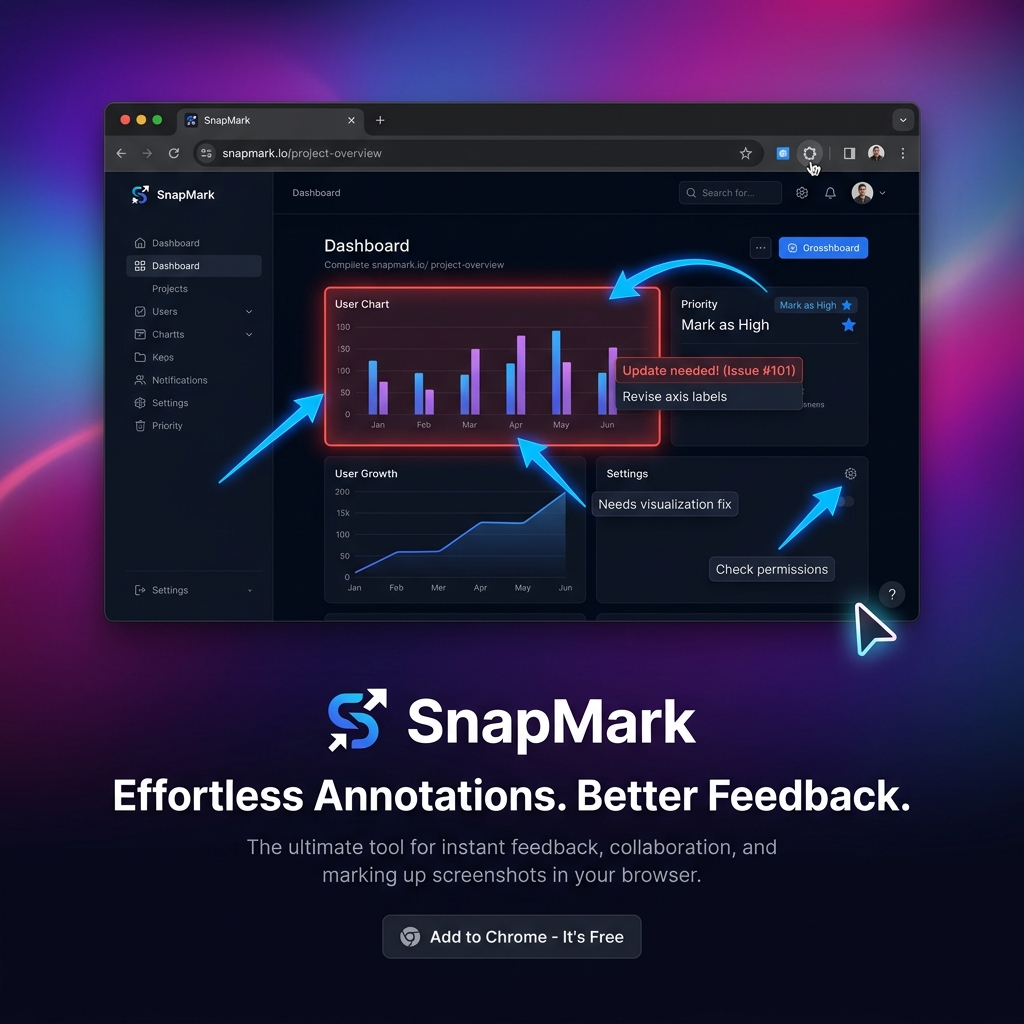
SnapMark is your go-to Chrome extension for high-performance screen capture and instant image markup. Capture any web page, add professional annotations, and share with a link—all for free.
Select specific regions or capture the entire visible area with a single click or keyboard shortcut.
Add arrows, boxes, circles, and free-hand drawings to highlight exactly what matters.
Instantly redact sensitive information or PII before sharing your screenshots.
Upload to your personal Supabase storage and get a shareable link instantly. No accounts needed.
One click to copy your annotated image to the clipboard. Paste directly into Slack or Discord.
Your last 10 captures are saved locally for quick access and re-editing. Private and secure.
Hit the shortcut or click the icon to grab any region or the full page. No lag, just speed.
Point out bugs, highlight features, or hide sensitive data with our pro markup tools.
Copy to clipboard or get a secure Supabase link to share with your team instantly.
Stop writing long descriptions. Snap the bug, highlight the error, and drop the link in Jira or GitHub.
Provide contextual feedback on UI/UX directly on the browser. Perfect for remote design reviews.
Create clear tutorials and guides by capturing specific app states and adding explanatory text.
Yes. SnapMark is free for individuals. No hidden costs or annoying "Pro" popups for core features.
When you share a link, images are stored in your own Supabase project or our secure default bucket. You have full control.
Never. We don't use cookies, trackers, or analytics. Your screenshots stay on your machine unless you choose to share them.
Absolutely. Press 'R' for region, 'V' for visible area, and use shortcuts within the editor for lightning-fast markup.
Join thousands of professionals using SnapMark for faster communication.
Add to Chrome — Free Forever